
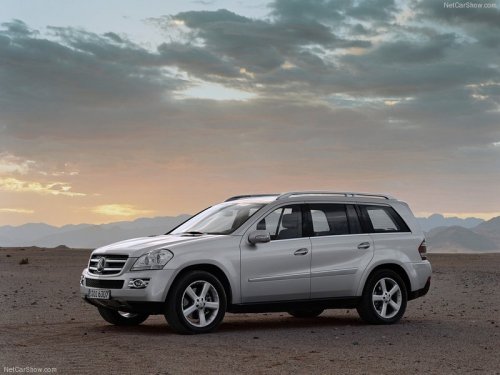
Mercedes-Benz GL-Class
Mercedes-Benz GL-Class
See also:
Correct use of the seat belts
WARNING
USE SEAT BELTS PROPERLY
• Seat belts can only work when used
properly. Never wear seat belts in any other
way than as described in this section, as
that could result in serious inj ...
Destination or area of destination
reached
When you reach your destination, COMAND
displays a checkered flag and route guidance
is automatically ended.
For certain points of interest (e.g. airports),
the Destination Reached display is s ...
Storing wheels
Store wheels that are not being used in a cool, dry and preferably dark place.
Protect the tires from oil, grease, gasoline and diesel. ...