
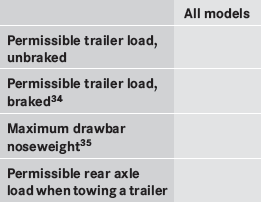
Trailer loads
Missing values were not available at time of going to print.
See also:
Introduction
You can establish a Bluetooth® connection to
COMAND (see the separate operating
instructions).
WARNING
A driver's attention to the road must always
be his/her primary focus when drivi ...
Displaying service messages
– Switch on the ignition.
– Press or
on the steering wheel
to select the Serv. menu.
– Press or
to select the ASSYST
PLUS submenu and press to confirm.
The service due date appears in th ...
CD/DVD drive and AUX jacks
The CD/DVD drive is located in the center
behind the front seats.
1 CD/DVD slot
2 AUX, right-hand (R) jack for audio signal
3 AUX, left-hand (L) jack for audio signal
4 AUX, jack for vid ...