
Introduction
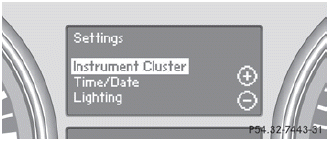
The Settings menu can be used for:
• restoring the factory settings
• changing the instrument cluster settings
• changing the time/date settings
• changing the light settings
• changing the vehicle settings
• changing the convenience settings
See also:
Ashtray in the rear-compartment center
console
Close the ashtray when it is not in use and
before you fold the rear seats forward. You
can otherwise damage the ashtray.
Vehicles without a Rear Seat Entertainment
System have an ashtray ...
Exhaust check
WARNING
Inhalation of exhaust gas is hazardous to your health. All exhaust gas contains
carbon monoxide (CO), and inhaling it can cause unconsciousness and possible death.
Do not run the engi ...
Direction of rotation
Tires with a specified direction of rotation
have additional benefits, e.g. if there is a risk
of hydroplaning. You will only gain these
benefits if the correct direction of rotation is
mainta ...