
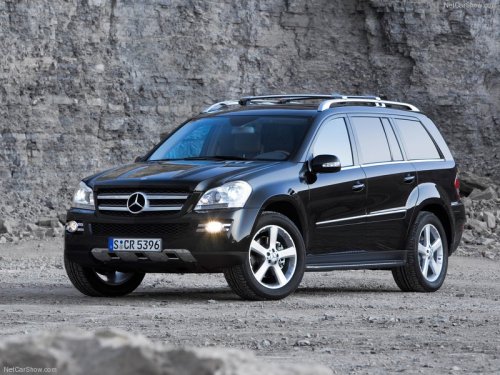
Mercedes-Benz GL-Class
Mercedes-Benz GL-Class
See also:
Enlarging the cargo compartment
Important safety notes
WARNING
When expanding the cargo volume, always
fully fold the corresponding seats and, if so equipped, always use the cargo net
when
transporting cargo.
Unle ...
Driving with summer tires
At temperatures below 45 °F (+7 °C), the
elasticity of summer tires and therefore also
traction and braking capability are reduced
considerably — equip your vehicle with
M+S tires. Using summe ...
Winter tires
At temperatures below 45 °F (+7
°C), use
winter tires or all-season tires. Both types of
tire are identified by the M+S marking.
Only winter tires bearing the
snowflake
symbol in addition ...