
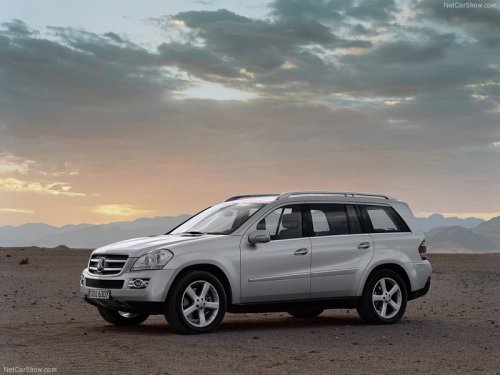
Mercedes-Benz GL-Class
Mercedes-Benz GL-Class
See also:
Operating video DVD
► Switch on COMAND and select video DVD
(see the separate operating instructions).
► Press the
button on the
steering wheel to select the Audio menu.
DVD changer display (example)
...
Displaying navigation instructions
In the Navi menu, the multifunction display
shows navigation instructions. Further
information.
Activate COMAND.
Press the or
button on the
steering wheel to select the Navi menu. ...
Making adjustments in 1 mph (Canada:
1 km/h) increments
Briefly press the cruise control lever to the
pressure point, up 1 for a higher speed or
down 2 for a lower speed.
The last speed stored is increased or
reduced. ...