
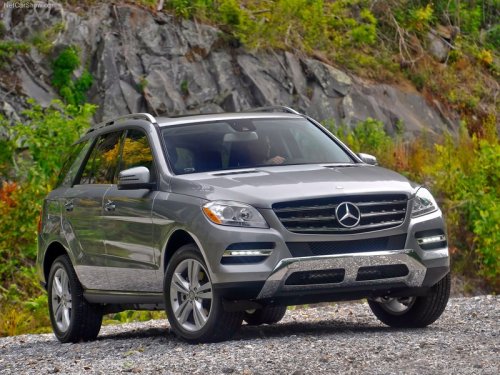
Mercedes-Benz M-Class
Mercedes-Benz M-Class
See also:
Deleting a destination or the home address from the destination memory
To activate navigation mode: press the
function button once or twice.
To show the menu: press
the COMAND
controller.
Select Destination in the navigation
system menu bar by turning
t ...
Rear-view mirror
Rear-view mirror (manual anti-glare)
- anti-glare mode: flick anti-glare
switch 1 forwards or back. ...
Displaying service messages
Switch on the ignition.
Press or
on the steering wheel to select
the Serv. menu.
Press or
to select the ASSYST PLUS submenu
and press to confirm. The service
due date appears ...