
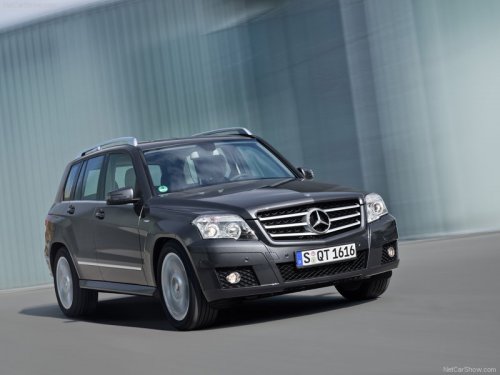
Mercedes-Benz GLK-Class
Mercedes-Benz GLK-Class
See also:
Back button
...
Steering wheel paddle shifters
You can restrict or derestrict the shift range
by using the steering wheel paddle
shifters 1 and 2.
You can only change gear with the
steering wheel paddle shifters when the
transmissi ...
Removing the mechanical key
•► Push release catch 1 in the direction of
the arrow and at the same time, remove
mechanical key 2 from the SmartKey. ...