
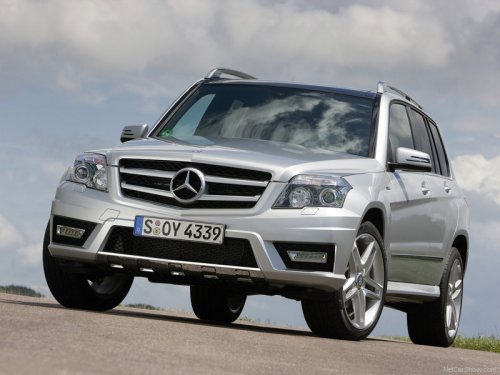
Mercedes-Benz GLK-Class
Mercedes-Benz GLK-Class
See also:
Winter tires
At temperatures below 45 °F (+7
°C), use
winter tires or all-season tires. Both types of
tire are identified by the M+S marking.
Only winter tires bearing the
snowflake
symbol in addition ...
Immobilizer
The immobilizer prevents your vehicle from
being started without the correct SmartKey.
When leaving the vehicle, always take the
SmartKey with you and lock the vehicle. The
engine can be started ...
Automatic transmission
Shift the transmission to
position P. The transmission position display in the
multifunction display shows P.
You can also start the engine
when the
transmission is in position N. ...