
Switching on/off
The three red indicator lamps in the button indicate the heating level you have selected.
If the battery voltage is too low, the seat heating may switch off.
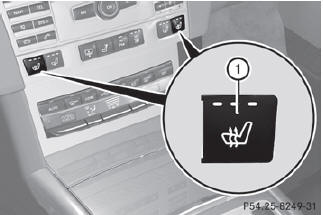
Driver's and front-passenger seat
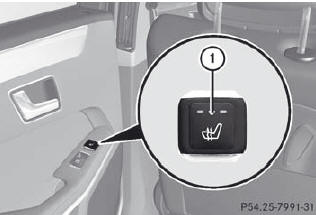
Rear seats
The system automatically switches down from level 3 to level 2 after about eight minutes (driver's seat and front-passenger seat) or five minutes (rear seats).
The system automatically switches down from level 2 to level 1 after approximately ten minutes.
The system automatically switches off approximately 20 minutes after it is set to level 1.
•► Make sure that the SmartKey is in position 2 in the ignition lock.
•► To switch on: press button 1 repeatedly until the desired heating level is set.
•► To switch off: press button 1 repeatedly until all the indicator lamps go out.
See also:
Servicing the brakes
If the red brake warning lamp lights up in
the instrument cluster and you hear a
warning tone while the engine is running,
the brake fluid level may be too low.
Observe additional warning messa ...
Transmission position and drive
program display
The current transmission position and drive
program appear in the multifunction display.
1. Transmission position display
2. Drive program display
The arrows in the transmission position
d ...
Speedometer with segments
The segments in the speedometer indicate which speed range is available.
Cruise control () activated: The segments light up from the stored
speed to the maximum speed. ...