
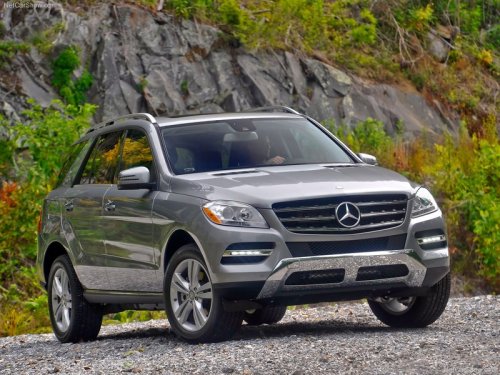
Mercedes-Benz M-Class
Mercedes-Benz M-Class
See also:
Cleaning the wiper blades
WARNING
Before cleaning the windshield or wiper
blades, switch off the windshield wipers and
remove the SmartKey from the ignition lock.
On vehicles with KEYLESS-GO, press the
Start/Stop butt ...
Programming the integrated garage
door opener on the rear-view mirror
Programming
WARNING
Only press the transmitter button on the
integrated garage door opener if there are no
persons or objects present within the sweep
of the garage door. People could otherw ...
Resetting
Reset the sliding sunroof if it does not move
smoothly.
•► Turn the SmartKey to position 2 in the
ignition lock.
•► Raise the sliding sunroof fully at the rear.
•► Keep the s ...